
DocumentationTelePilot Pro Suite OverviewTelePilot Pro Troubleshooting
TelePilot Pro Troubleshooting
Start with the simplest checks: license status, internet connectivity, account authorization, and proxy health.
Common Issues
| Symptom | Likely cause | Fix |
|---|---|---|
| License screen appears | Missing or expired activation | Re-enter the key or contact support. |
| Account will not connect | Revoked session or wrong code | Log in again and verify 2FA details. |
| Proxy test fails | Dead endpoint or wrong credentials | Correct the proxy or assign a new one. |
| Campaign stops early | Stop condition or repeated errors | Review logs and lower the batch size. |
| Export missing rows | Filters or duplicate removal | Check filter settings and source data. |
Support Packet
When contacting support, include product name, version, license email, the exact error text, recent log excerpt, and what changed before the issue started.
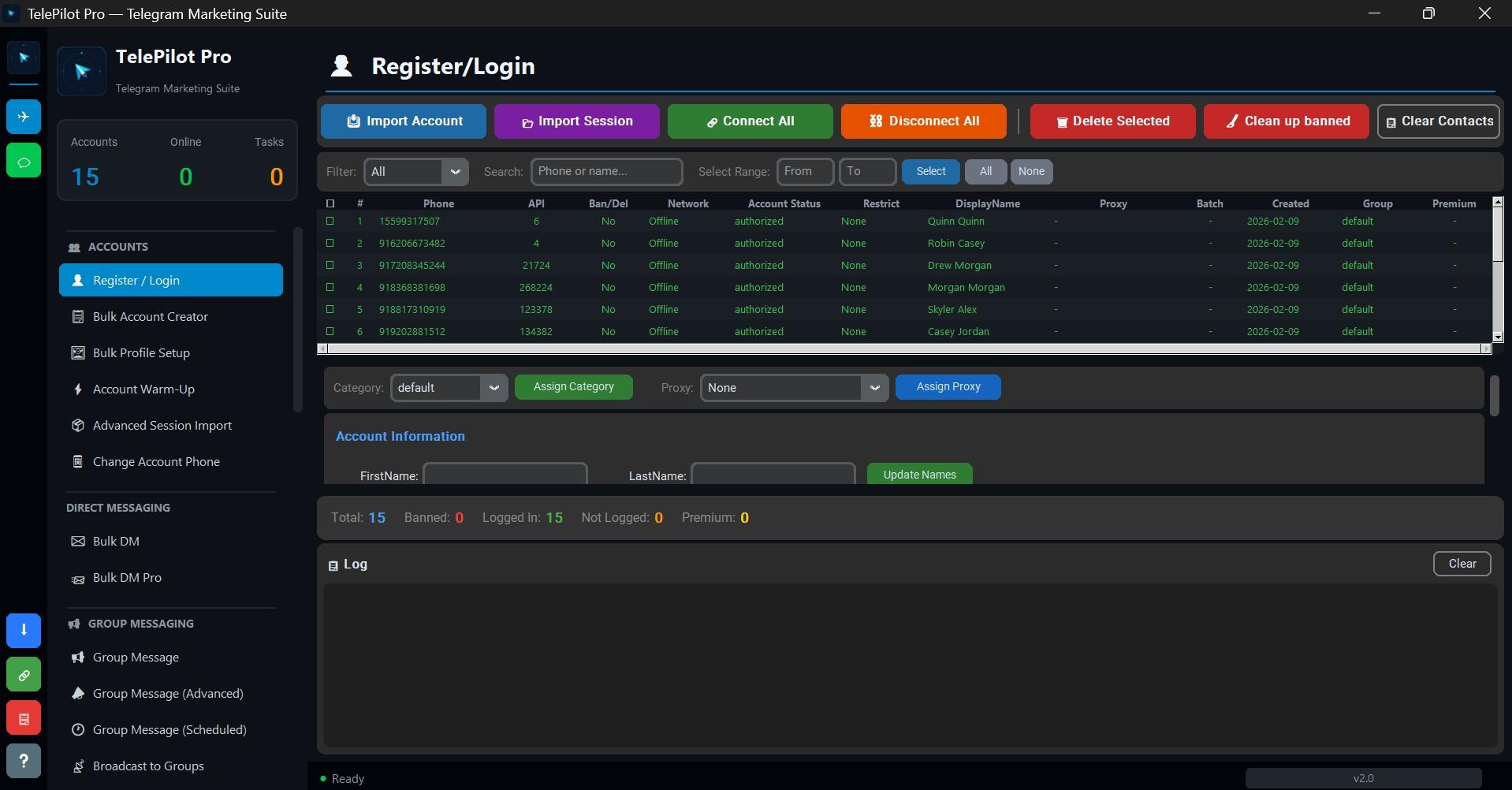
Interface Screenshot
Frequently Asked Questions
Do I need Telegram API credentials?
Yes. Telegram client automation requires an API ID and API hash from my.telegram.org.
Is TelePilot Pro cloud hosted?
No. It is a Windows desktop application with online license validation.