
DocumentationTelePilot Pro Suite OverviewSettings
Settings
The settings area controls global behavior for TelePilot Pro.
Important Settings
- License activation and machine binding status.
- Default session, export, and log folders.
- Global message and action delay defaults.
- Proxy defaults and connection timeout values.
- Theme, language, and interface preferences.
- Support links and diagnostic export tools.
Change Management
After changing global settings, run a small test workflow. This confirms the new defaults behave as expected before operators run production campaigns.
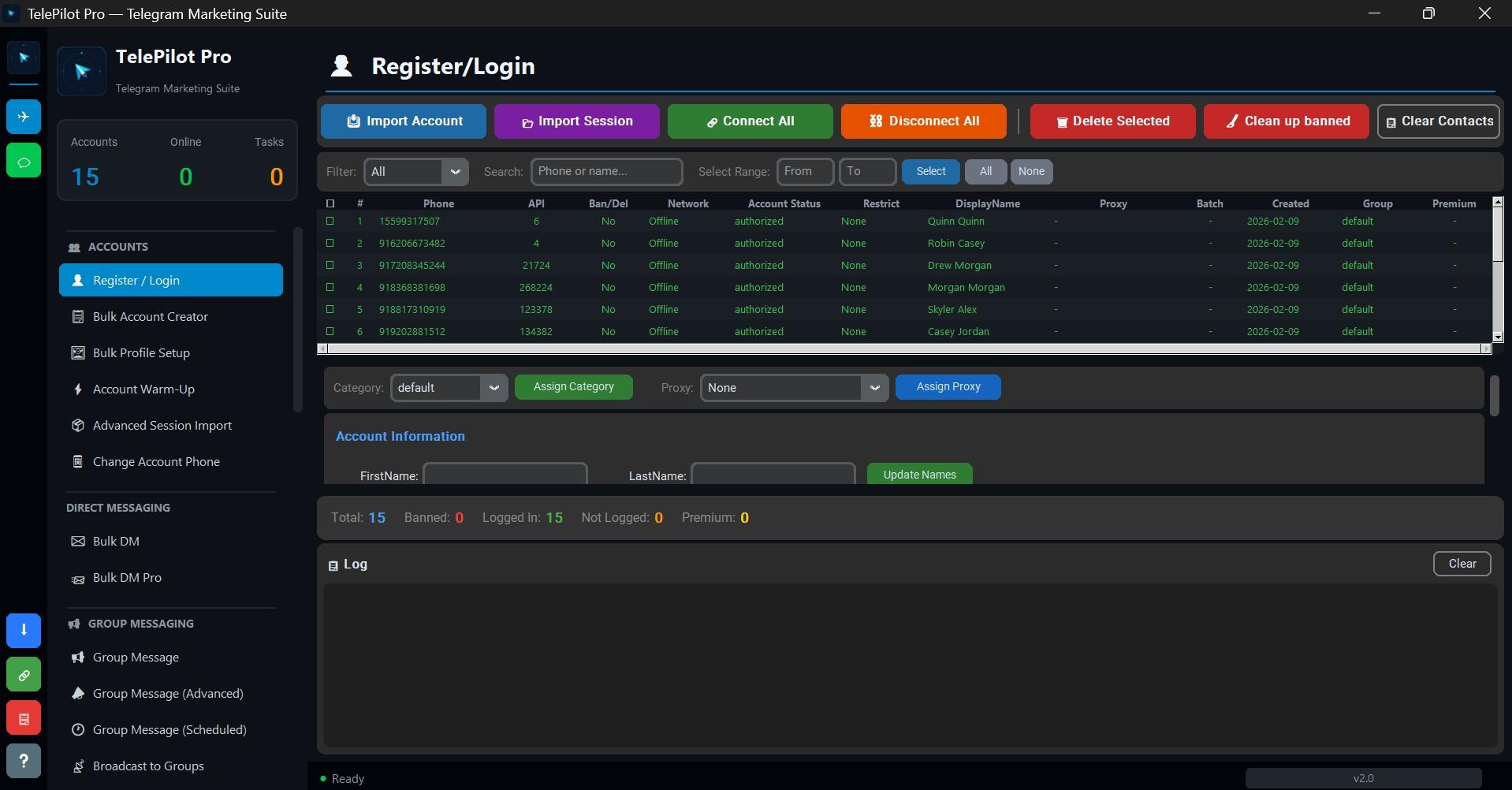
Interface Screenshot
Frequently Asked Questions
Do I need Telegram API credentials?
Yes. Telegram client automation requires an API ID and API hash from my.telegram.org.
Is TelePilot Pro cloud hosted?
No. It is a Windows desktop application with online license validation.