
DocumentationTelePilot Pro Suite OverviewAutomation
Automation
Automation modules reduce repetitive work such as forwarding posts, sending scheduled updates, replying to known prompts, reacting to posts, or updating account profiles.
Common Automations
- Auto-forward from selected sources to selected destinations.
- Auto-reply for approved keywords or support prompts.
- Scheduled message queues.
- Batch profile updates for managed brand accounts.
- Read, reaction, and engagement tasks for owned communities.
Control Points
Always configure a stop condition, review logs during the first run, and keep a human operator responsible for the campaign. Automation should support a real workflow, not replace judgment.
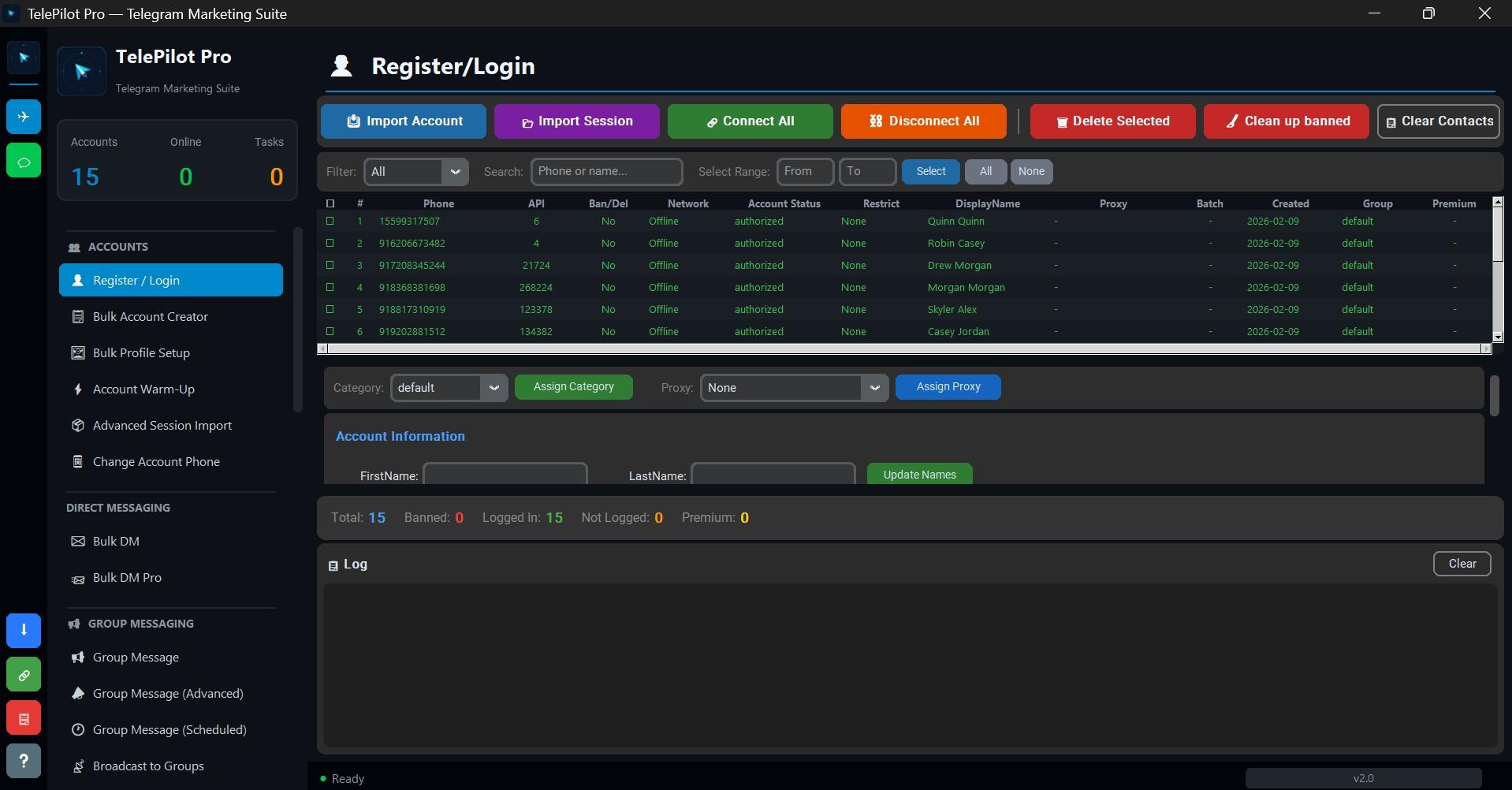
Interface Screenshot
Frequently Asked Questions
Do I need Telegram API credentials?
Yes. Telegram client automation requires an API ID and API hash from my.telegram.org.
Is TelePilot Pro cloud hosted?
No. It is a Windows desktop application with online license validation.