
DocumentationTelePilot Pro Suite OverviewMessaging
Messaging
TelePilot Pro supports direct messages, group posts, scheduled sends, media attachments, and reusable templates. Build campaigns carefully and test every message before sending it to a real audience.
Message Inputs
- Plain text with links and line breaks.
- Media attachments where supported by the selected module.
- Target usernames, user IDs, phone numbers, group links, or channel links depending on the workflow.
- Saved templates for repeated campaign types.
Campaign Setup
- Select the messaging module.
- Choose the sending accounts.
- Import or paste the target list.
- Write the message and preview formatting.
- Set limits, delays, and stop conditions.
- Run a test with internal targets.
- Launch the campaign and monitor logs.
Quality Rules
Keep messages specific, truthful, and easy to opt out of. Do not send sensitive claims, misleading offers, or repeated unsolicited messages.
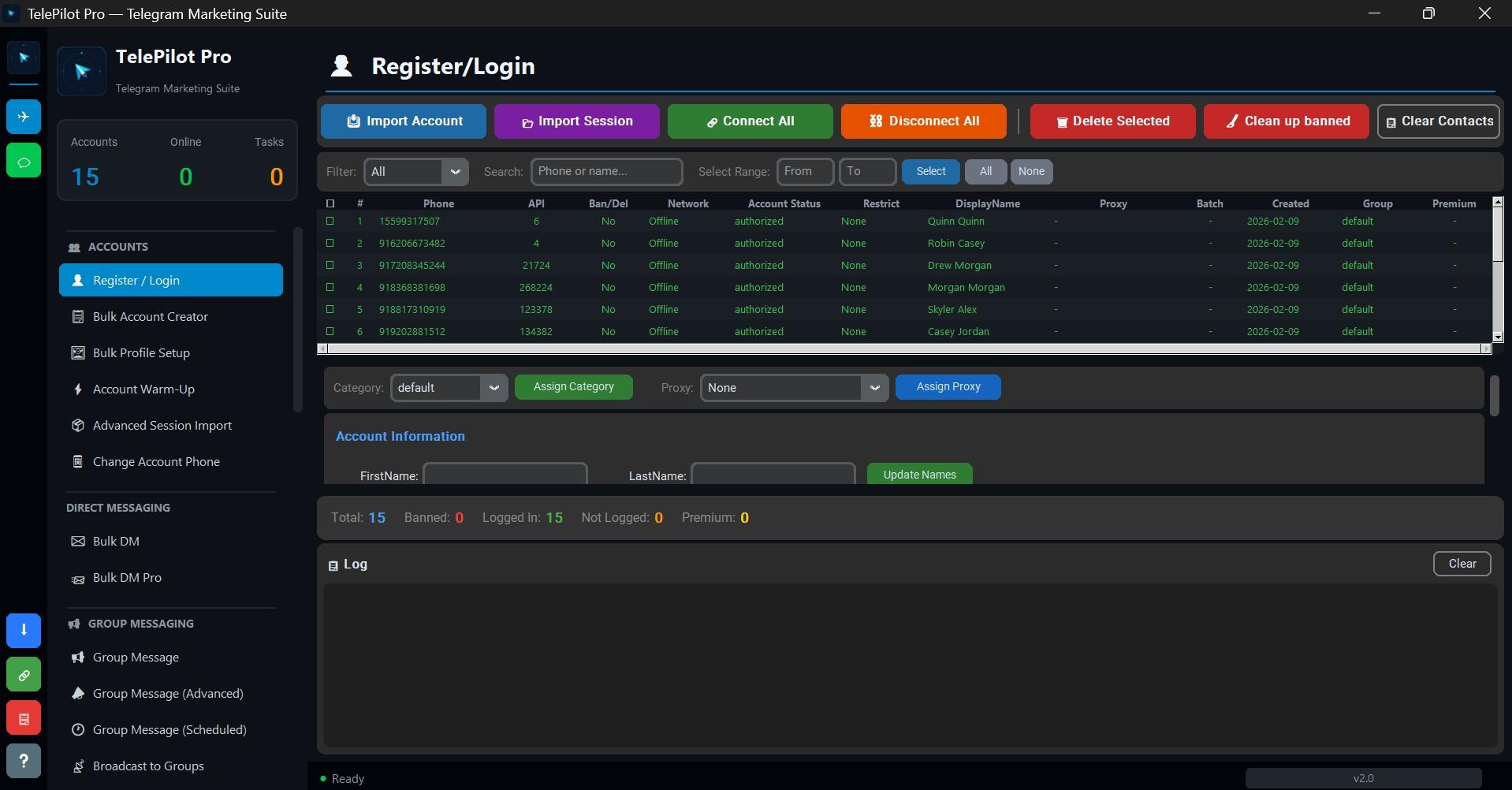
Interface Screenshot
Frequently Asked Questions
Do I need Telegram API credentials?
Yes. Telegram client automation requires an API ID and API hash from my.telegram.org.
Is TelePilot Pro cloud hosted?
No. It is a Windows desktop application with online license validation.