
DocumentationTelePilot Pro Suite OverviewProxy Management
Proxy Management
Proxy management lets you route Telegram sessions through controlled network endpoints. This is useful for distributed teams, regional testing, and separating business accounts by operating environment.
Supported Formats
textexample
host:port
host:port:username:password
socks5://username:password@host:port
http://username:password@host:port
Setup Flow
- Open Proxy Manager.
- Add proxies in the required format.
- Run the connection test.
- Assign one proxy to the relevant account or account group.
- Re-test after assignment before starting any campaign.
Best Practices
- Use reputable providers with stable endpoints.
- Document which accounts use each proxy.
- Replace failing proxies before they create repeated login errors.
- Do not route personal accounts through unknown public proxies.
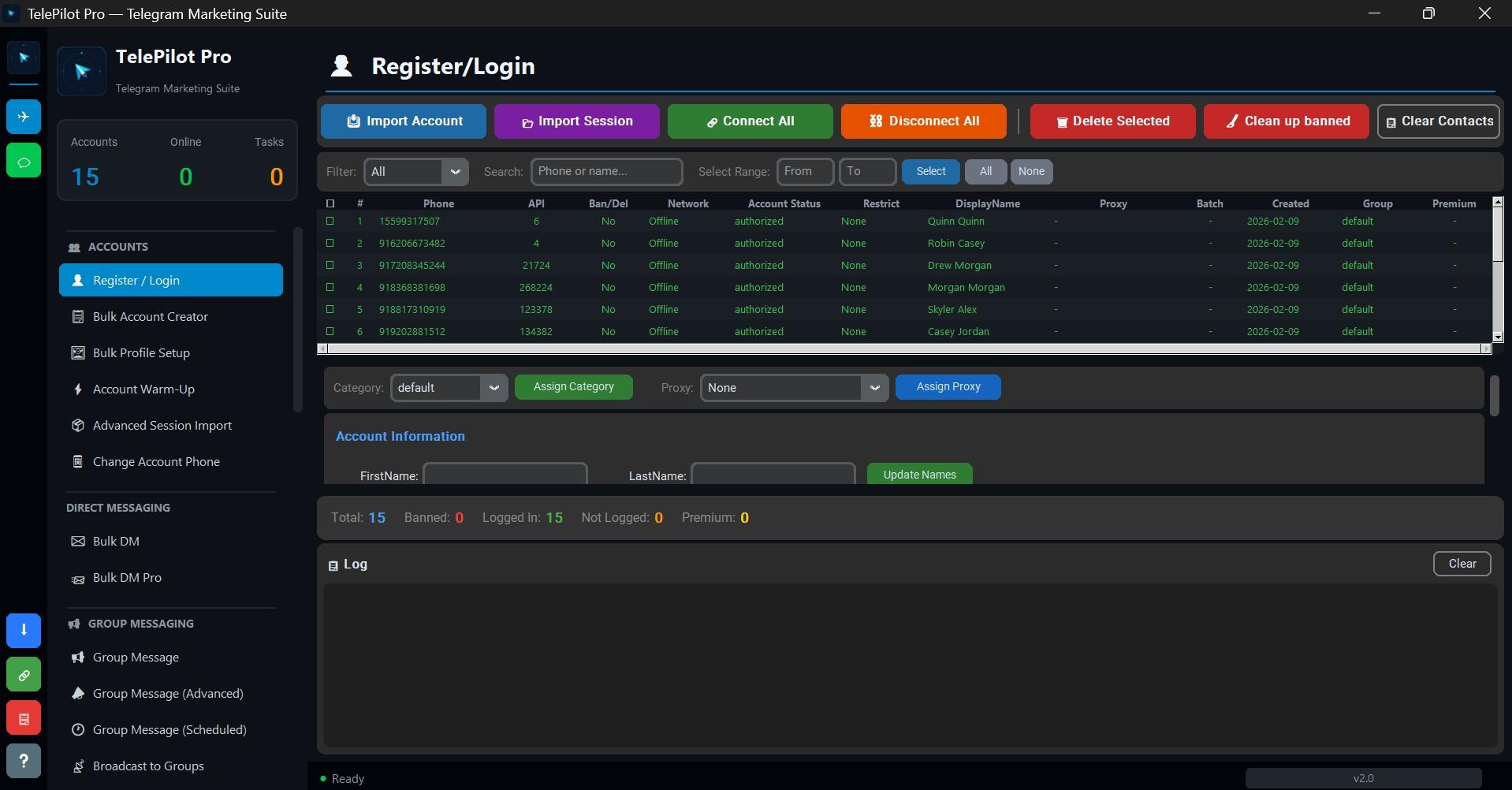
Interface Screenshot
Frequently Asked Questions
Do I need Telegram API credentials?
Yes. Telegram client automation requires an API ID and API hash from my.telegram.org.
Is TelePilot Pro cloud hosted?
No. It is a Windows desktop application with online license validation.