
DocumentationTelePilot Pro Suite OverviewAnalytics
Analytics
Analytics help operators understand what happened during a workflow: which accounts ran, what succeeded, what failed, and what needs attention before the next run.
Key Metrics
| Metric | Why it matters |
|---|---|
| Sent | Confirms the volume completed by the campaign. |
| Failed | Shows targets, accounts, or network issues needing review. |
| Skipped | Indicates validation, duplicates, or configured stop rules. |
| Account status | Highlights sessions that require re-login or removal. |
| Error codes | Speeds up troubleshooting and support escalation. |
Review Routine
Export reports after important campaigns, compare expected versus completed actions, and archive evidence needed for client reporting or compliance records.
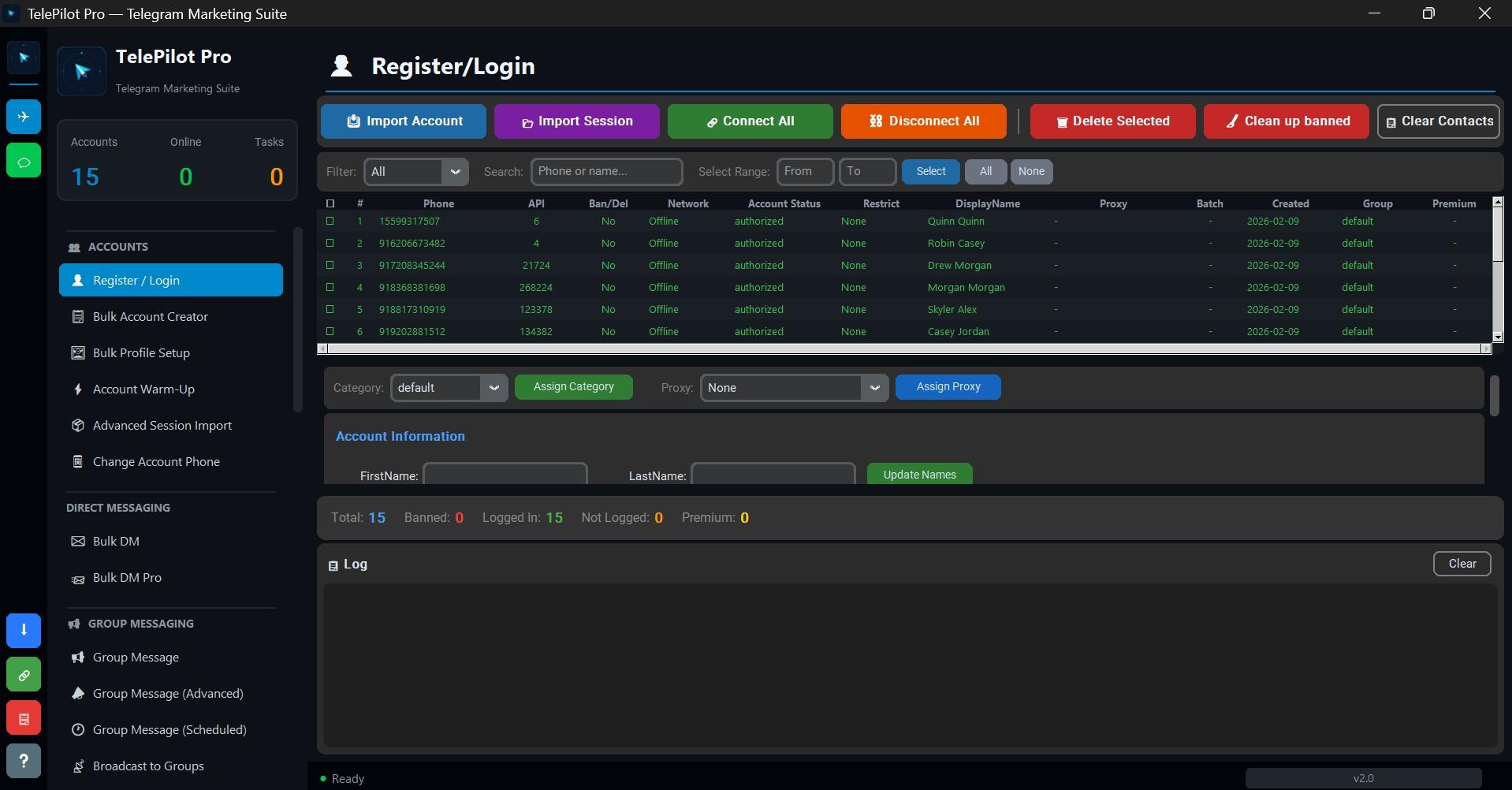
Interface Screenshot
Frequently Asked Questions
Do I need Telegram API credentials?
Yes. Telegram client automation requires an API ID and API hash from my.telegram.org.
Is TelePilot Pro cloud hosted?
No. It is a Windows desktop application with online license validation.