
TelePilot Pro Suite Overview
TelePilot Pro is the flagship Windows desktop suite for managing Telegram outreach, account operations, collection workflows, scheduling, and campaign monitoring from one control panel.
It is designed for operators who need repeatable workflows, clear logs, and controlled account handling instead of scattered scripts. Use it only for accounts, groups, and audiences where you have permission or a legitimate business relationship.
Core Modules
| Area | What it does |
|---|---|
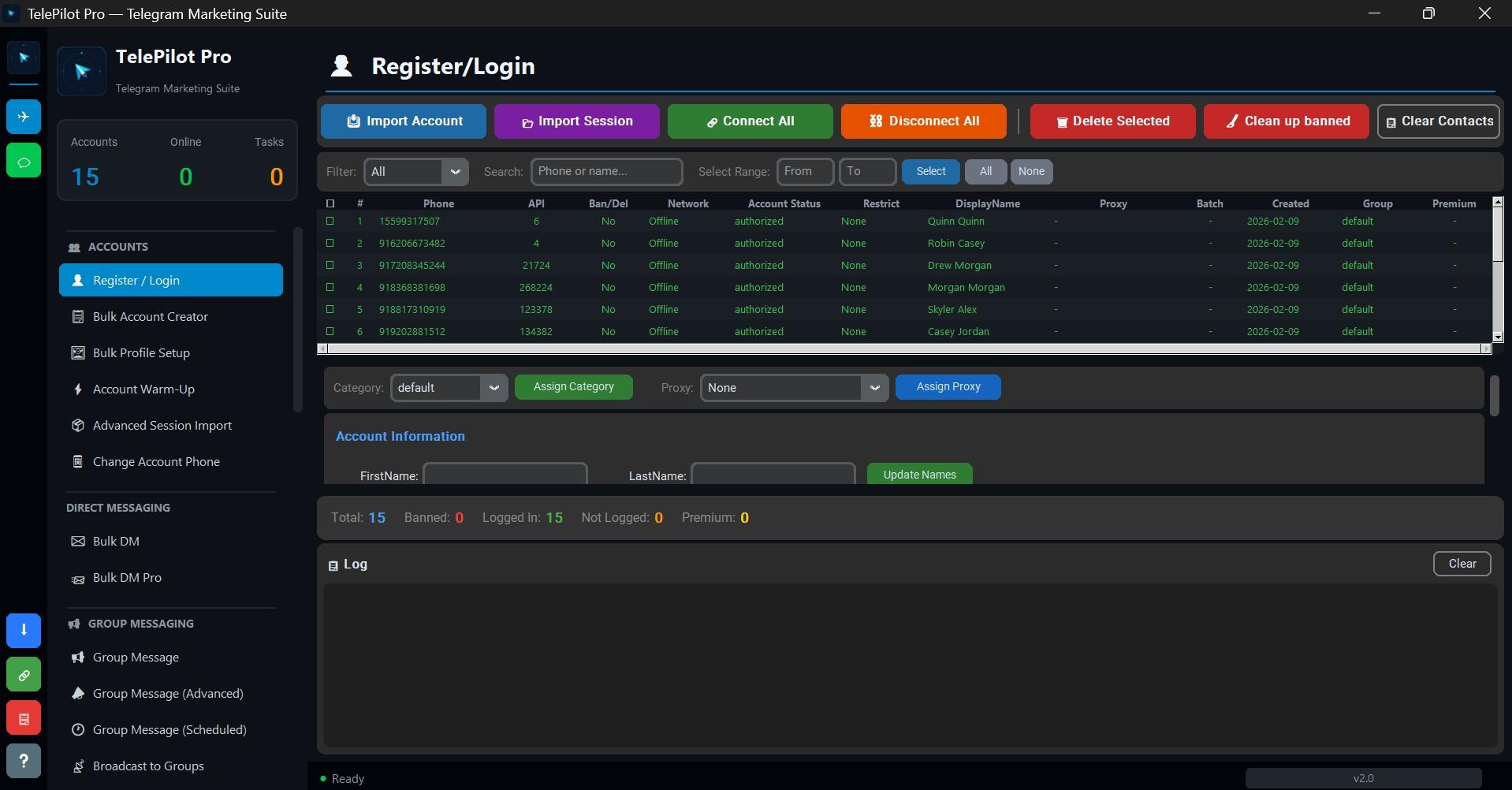
| Accounts | Login, import, verify, label, and monitor Telegram sessions. |
| Proxies | Assign HTTP or SOCKS proxies and test connection health. |
| Messaging | Send direct, group, scheduled, and template-based campaigns. |
| Scraping | Collect public group data for research, moderation, and CRM workflows. |
| Automation | Forwarding, replies, reactions, profile tasks, and recurring actions. |
| Analytics | Review delivery results, failures, account status, and campaign history. |
Recommended Workflow
- Activate the software with a valid TelePilot Pro license.
- Add a small set of Telegram accounts and verify that every session is healthy.
- Configure proxies only when your operating model requires regional routing.
- Run a small internal test campaign before using real customer or community lists.
- Review logs, failures, and limits after every run.
Responsible Use
TelePilot Pro is an automation suite, not a license to spam. Keep messages relevant, honor opt-outs, respect Telegram limits, and avoid targeting private users or groups without a lawful reason.
Interface Screenshot
Frequently Asked Questions
Do I need Telegram API credentials?
Yes. Telegram client automation requires an API ID and API hash from my.telegram.org.
Is TelePilot Pro cloud hosted?
No. It is a Windows desktop application with online license validation.