
DocumentationTelegram Member Adder PRO OverviewMember Adder PRO Troubleshooting
Troubleshooting
| Problem | What to do |
|---|---|
| CAPTCHA / login code blocked | Use your own API ID/Hash from my.telegram.org; try a clean SOCKS5 proxy; or import a session from official Telegram. |
| “Already running” | Close the other window, or end the old process, then open again. |
| Auto-promote failed | Make your main account an admin of the target group with Add New Admins, or turn Auto-promote off and promote adders manually / invite as members. |
| PeerFlood / restricted | Stop that account; wait; use slower delays and lower caps; warm accounts gradually. |
| Tor warning | Tor is optional. Turn it off in Settings if you are not running Tor — direct or SOCKS5 proxy is usually better for Telegram. |
Safe Use Tips
- Use only accounts and groups you are authorized to manage.
- Start with cold-account safe limits on the Adder tab for new accounts.
- Prefer residential/mobile proxies over Tor or datacenter IPs.
- Space out logins and keep a small number of accounts per IP.
- Back up your
sessions/folder if you need to move the app to another PC.
Support
For license and product support, use your TelePilot Pro purchase channel or contact us via the support page. You can also reach TelePilotProSupport on Telegram.
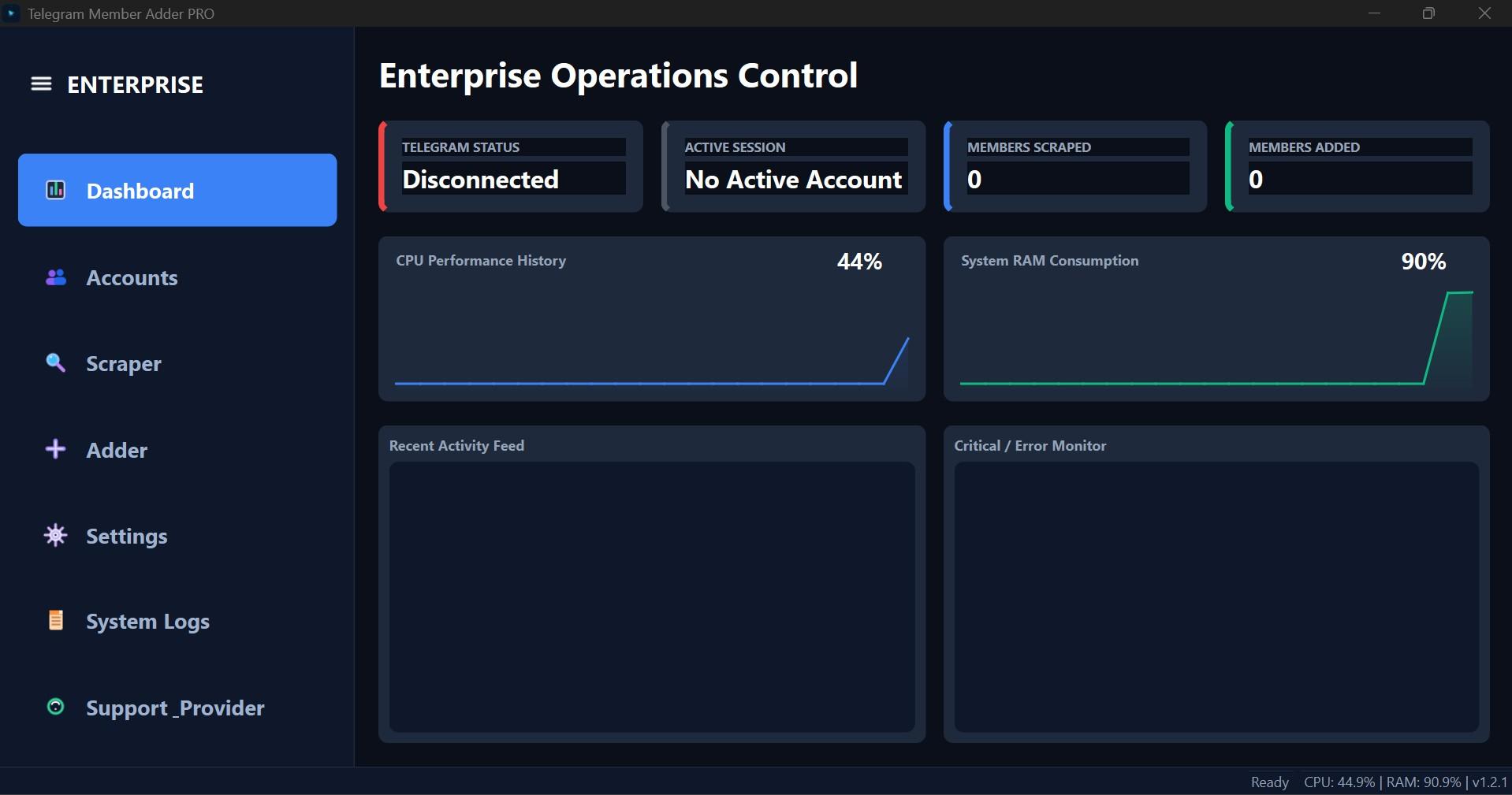
Interface Screenshot
Frequently Asked Questions
Where do I download TelePilotPro-Member-Adder.exe?
After purchase, download from My Licenses or Purchases in your customer dashboard. The EXE is not a public direct link.
Do I need my own Telegram API credentials?
Yes. Create your own API ID and API Hash at my.telegram.org. Shared credentials often trigger CAPTCHA blocks.
Can the scraper account also send invites?
Not by default. Enable Allow active account to invite on the Adder tab if you want the scraper account to invite as well.