
Settings
API Credentials
Enter your API ID and API Hash from my.telegram.org in the Settings tab. Use credentials created under your own account — never shared or public API pairs.
Active / Scraper Account
The phone number and session name saved in Settings define your default scraper account. This account loads groups and runs scrapes. It does not invite unless you enable Allow active account to invite on the Adder tab.
Proxies
On the Accounts tab you can assign an optional SOCKS5 proxy per account:
host:port
user:pass@host:port
Prefer residential or mobile proxies over Tor, VPN, or datacenter IPs for Telegram login.
Adder Safety Controls
On the Adder tab:
- Set delays between invites and per-account caps.
- Start with cold-account safe limits for new or unused accounts.
- Enable Require admin to stop workers that cannot add users.
- Use Auto-promote adders only when your main account is owner/admin with Add New Admins.
Tor
Tor is optional. Turn it off in Settings if you are not running Tor — direct connection or SOCKS5 proxy is usually better for Telegram.
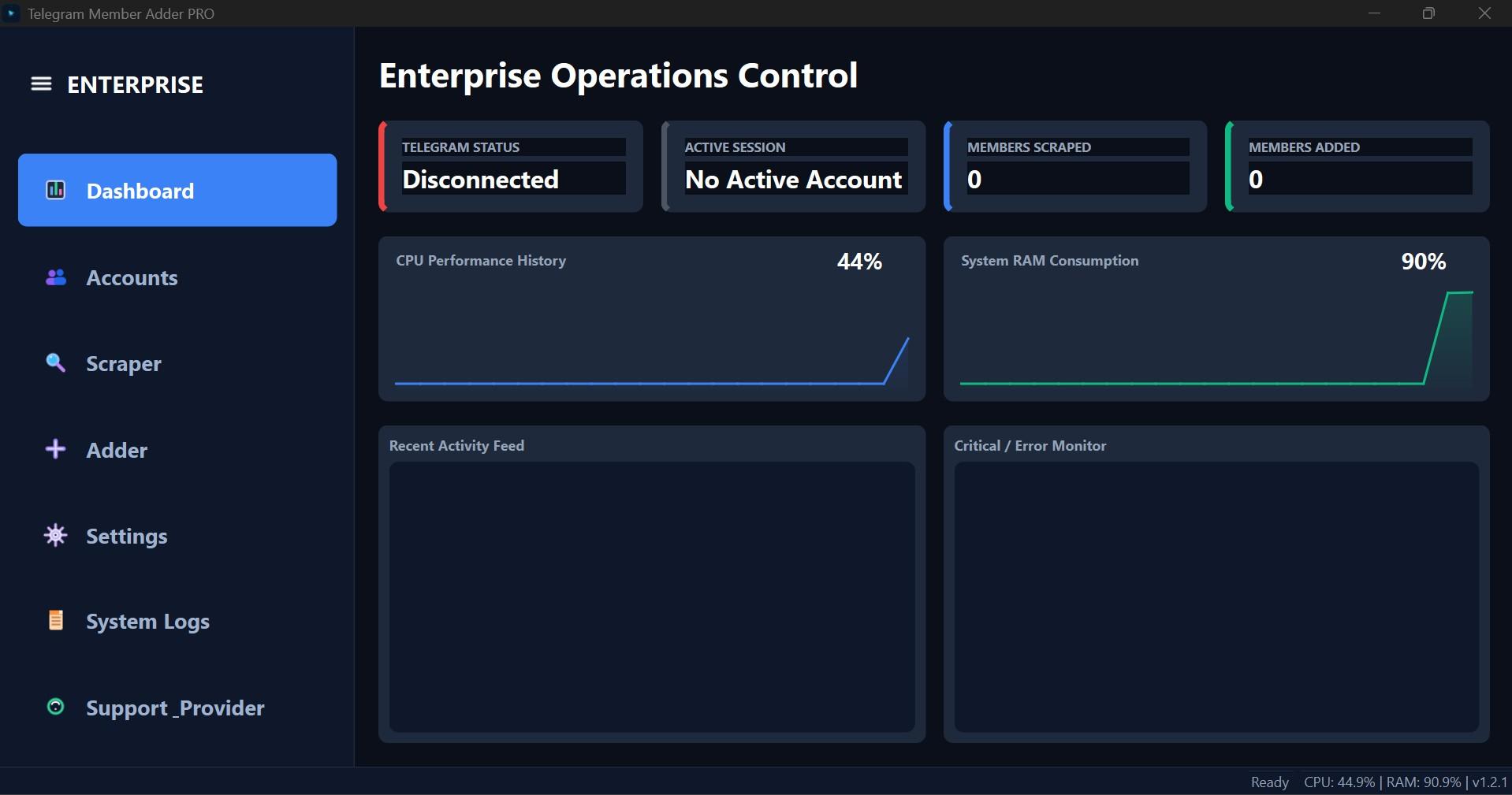
Interface Screenshot
Frequently Asked Questions
Where do I download TelePilotPro-Member-Adder.exe?
After purchase, download from My Licenses or Purchases in your customer dashboard. The EXE is not a public direct link.
Do I need my own Telegram API credentials?
Yes. Create your own API ID and API Hash at my.telegram.org. Shared credentials often trigger CAPTCHA blocks.
Can the scraper account also send invites?
Not by default. Enable Allow active account to invite on the Adder tab if you want the scraper account to invite as well.