
DocumentationTelegram Member Adder PRO OverviewMember Adder PRO Activation
Activation
Member Adder PRO activates through the TelePilot Pro license API and stores activation data locally in the data/ folder beside the EXE.
Steps
- Purchase a Telegram Member Adder PRO plan and copy your license key from My Licenses.
- Download and launch TelePilotPro-Member-Adder.exe on the machine you want to activate.
- Paste your license key into the activation dialog when prompted.
- Click Activate Software — the app contacts the validation server and locks the license to your hardware ID.
- To transfer to a new machine, use Release License in your dashboard before re-activating on the new PC.
The app performs periodic online checks with an offline grace period. Keep internet access available for validation.
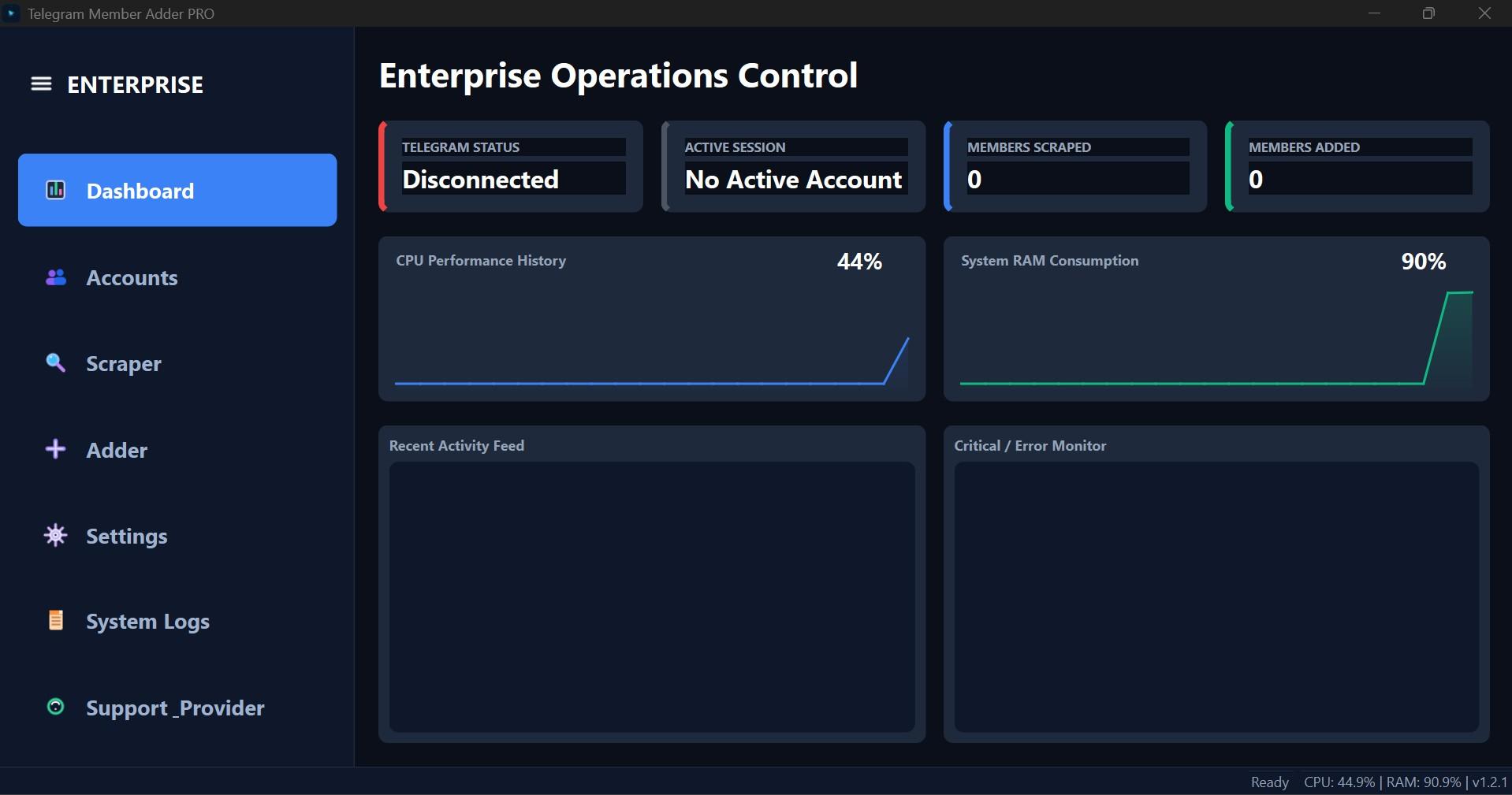
Interface Screenshot
Frequently Asked Questions
Where do I download TelePilotPro-Member-Adder.exe?
After purchase, download from My Licenses or Purchases in your customer dashboard. The EXE is not a public direct link.
Do I need my own Telegram API credentials?
Yes. Create your own API ID and API Hash at my.telegram.org. Shared credentials often trigger CAPTCHA blocks.
Can the scraper account also send invites?
Not by default. Enable Allow active account to invite on the Adder tab if you want the scraper account to invite as well.