
DocumentationWhatsApp CRM PRO OverviewWhatsApp CRM PRO Troubleshooting
Troubleshooting
"Activation failed" or invalid key
- Confirm the key is for WhatsApp CRM PRO, not desktop TelePilot Pro.
- Copy the full key from My Licenses — format
TP-XXXX-XXXX-XXXX-XXXX. - Reload the extension at chrome://extensions, then hard-refresh WhatsApp Web.
CRM sidebar missing
- Ensure the extension is enabled and reloaded.
- Check you completed activation (no TelePilot login overlay).
- Hard refresh: Ctrl+Shift+R on web.whatsapp.com.
License already used on another machine
- Each key binds to one browser profile. Release from admin or support before re-activating elsewhere.
Still stuck?
Contact support with your license email and a screenshot of the error.
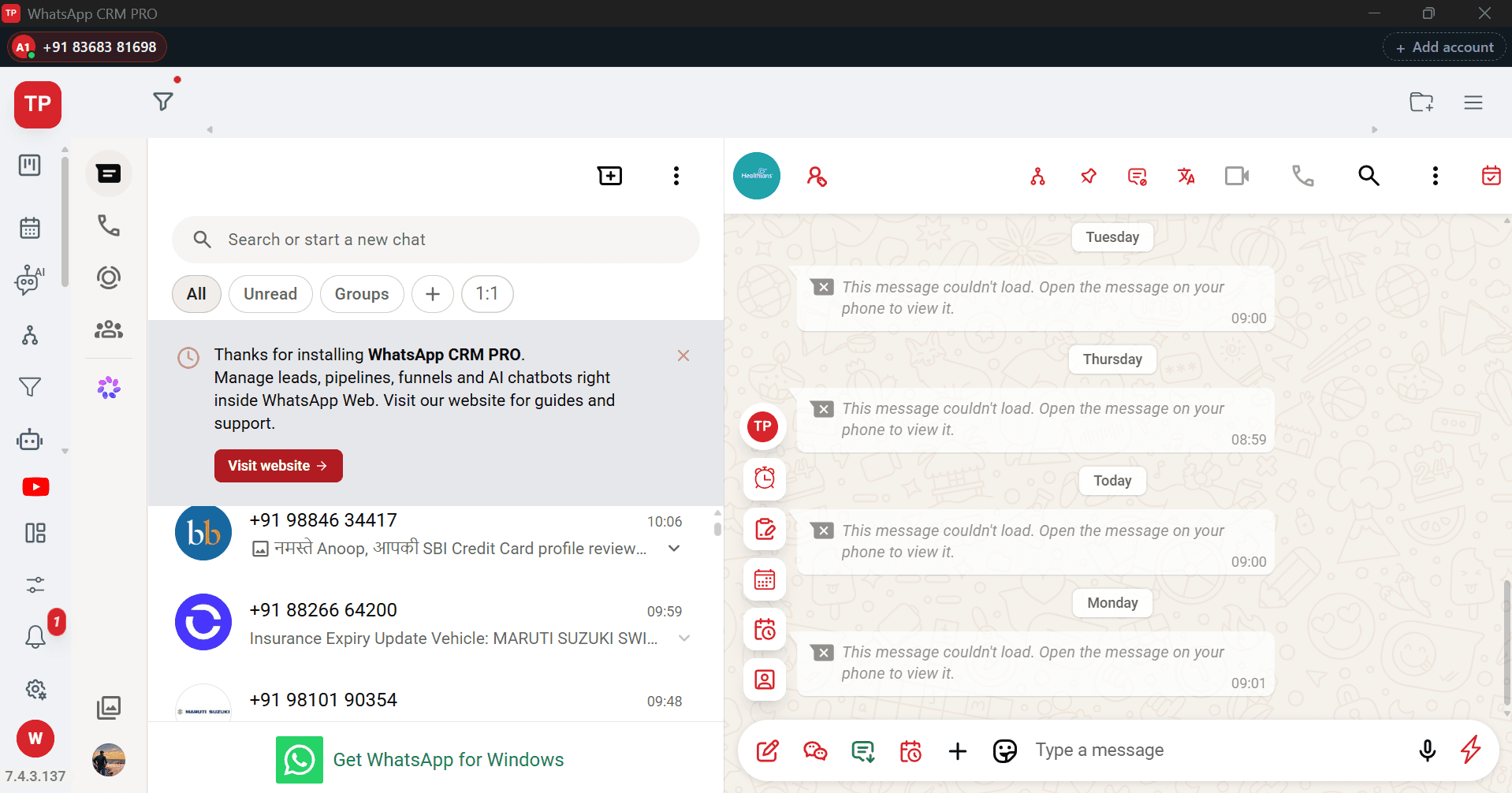
Interface Screenshot
Frequently Asked Questions
Where do I download WhatsApp CRM PRO?
After purchase, download the installer from My Licenses or Purchases in your customer dashboard. It is not a public direct link.
Can I run more than one WhatsApp number at the same time?
Yes. Each account runs in its own isolated session, so numbers stay signed in side by side without one logging the other out.
How does activation work?
The licence is asked for once, on first launch, and is bound to that computer. You are never asked again inside the CRM. Moving to different hardware needs a licence reset from support.