
DocumentationShill Bot PRO OverviewShill Bot PRO Campaigns
Campaigns
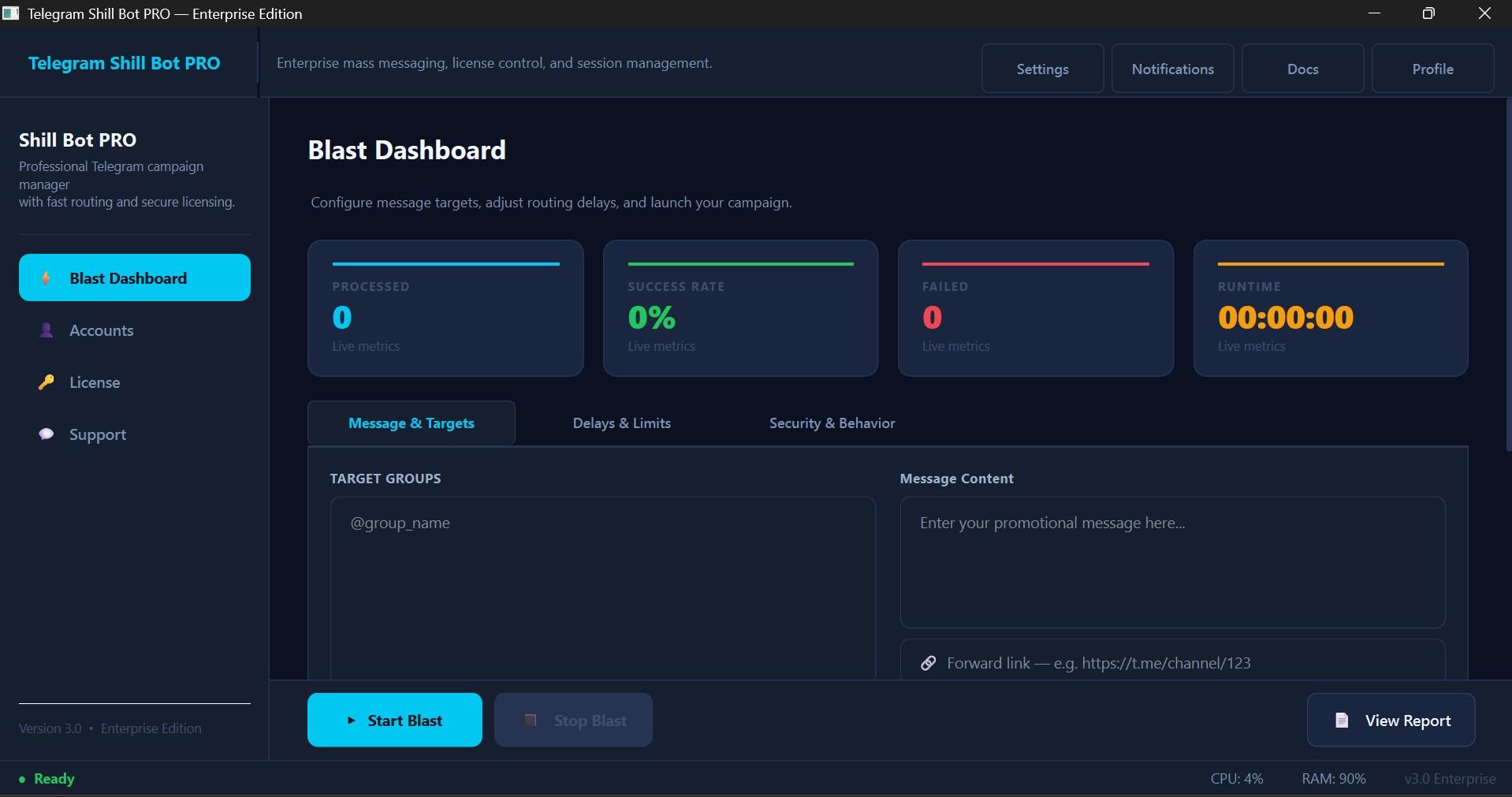
Campaign setup combines accounts, target groups, message content, and execution rules.
Launch Checklist
- Confirm the license is active.
- Add at least one healthy Telegram account.
- Paste target groups.
- Write the message or add a forward link.
- Configure concurrency, group-per-account limits, message delay, join delay, and round delay.
- Run a small test.
- Open the report after the campaign completes.
Interface Screenshot
Frequently Asked Questions
Can I forward a channel post?
Yes. Paste the post link when the connected account can access that post.