DocumentationReport PRO OverviewReport PRO Campaign Setup
Campaign Setup
Set up every report campaign around evidence and traceability.
Setup Steps
- Add or import authorized Telegram sessions.
- Assign proxies if your team uses controlled network routing.
- Enter the target link, username, or message URL.
- Select the correct report type.
- Choose the report reason that matches the evidence.
- Add concise context in the custom details field.
- Start with a small run and review the logs.
Evidence Notes
Keep screenshots, message links, dates, and customer or brand context outside the app in your case management system. Report PRO handles submission workflow; your team should retain evidence records.
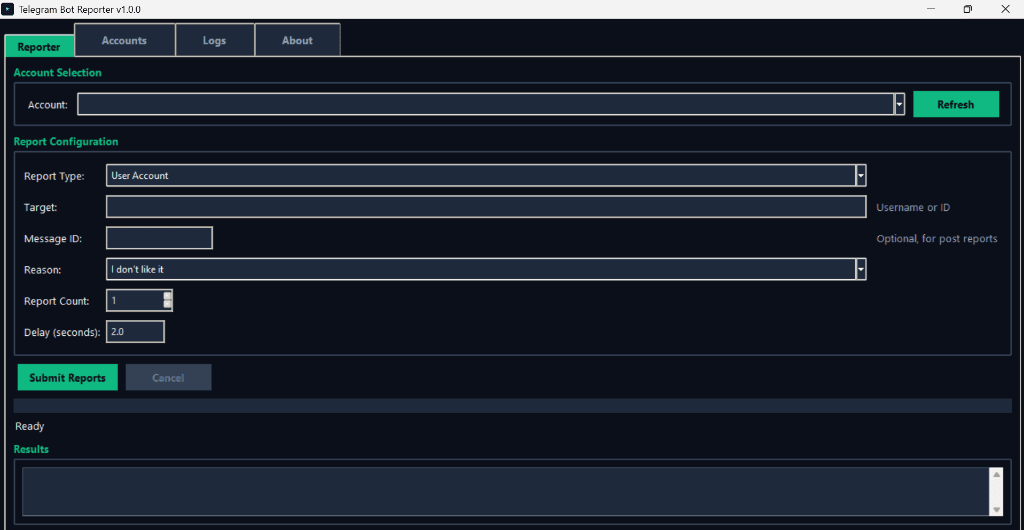
Interface Screenshot
Frequently Asked Questions
Can Report PRO work with private targets?
Only when the selected session already has legitimate access to the target.