
DocumentationBypass Video PRO OverviewBypass Video PRO Activation
Activation
Bypass Video PRO activates through the TelePilot Pro license API.
Steps
- Launch Bypass Video PRO.
- Copy the machine code shown on the activation screen.
- Paste your license key.
- Click activate.
- Restart if support asks you to refresh local activation state.
The app stores activation data locally and performs periodic online checks with an offline grace period.
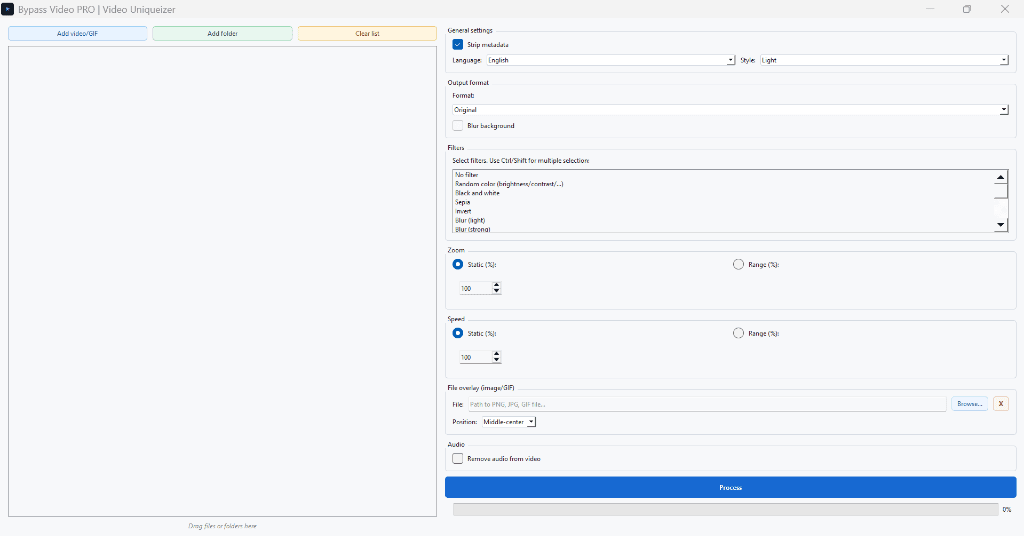
Interface Screenshot
Frequently Asked Questions
Does Bypass Video PRO need FFmpeg?
Yes. FFmpeg and ffprobe must be on PATH or placed beside the app package.