
Proxies for Telegram Automation: What You Need and What You Do Not
A practical guide to using proxies with multiple Telegram accounts: types, pairing rules, geography matching and common mistakes.
If you run more than a handful of Telegram accounts from one connection, you are producing a pattern that no group of real users produces: many identities, one IP, similar behaviour, similar timing. It is among the easiest things for a platform to spot.
Proxies exist to break that link. The marketplace proxy section carries them alongside accounts, which is deliberate — buying them together avoids the usual mistake of adding proxies only after the first wave of bans.
The Rule That Matters Most
One proxy per account, kept consistent.
Not one proxy shared by twenty accounts. Not a rotating pool that gives an account a new country every session. One account, one proxy, stable over time — because that is what a real person's connection looks like.
An account that appears from Mumbai on Monday, Frankfurt on Tuesday and São Paulo on Wednesday looks compromised, and Telegram treats it accordingly.
Match Geography to the Account
A phone number tells Telegram roughly where an account should be. A +91 Indian number connecting exclusively from a German datacentre is a mismatch that costs you nothing to avoid.
Match the proxy region to the account's number where you can. It is a small detail that removes a signal.
Proxy Types, Briefly
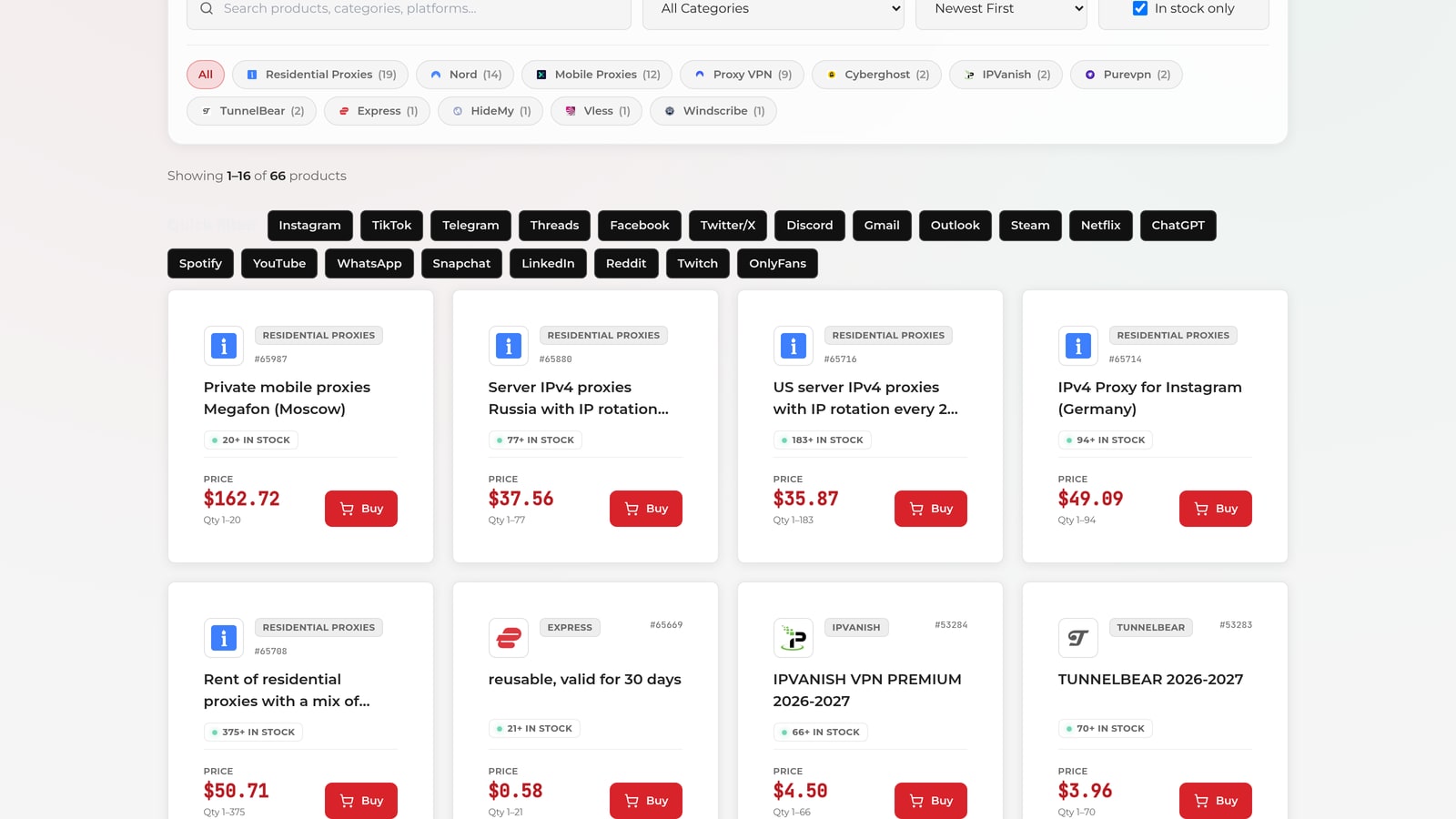
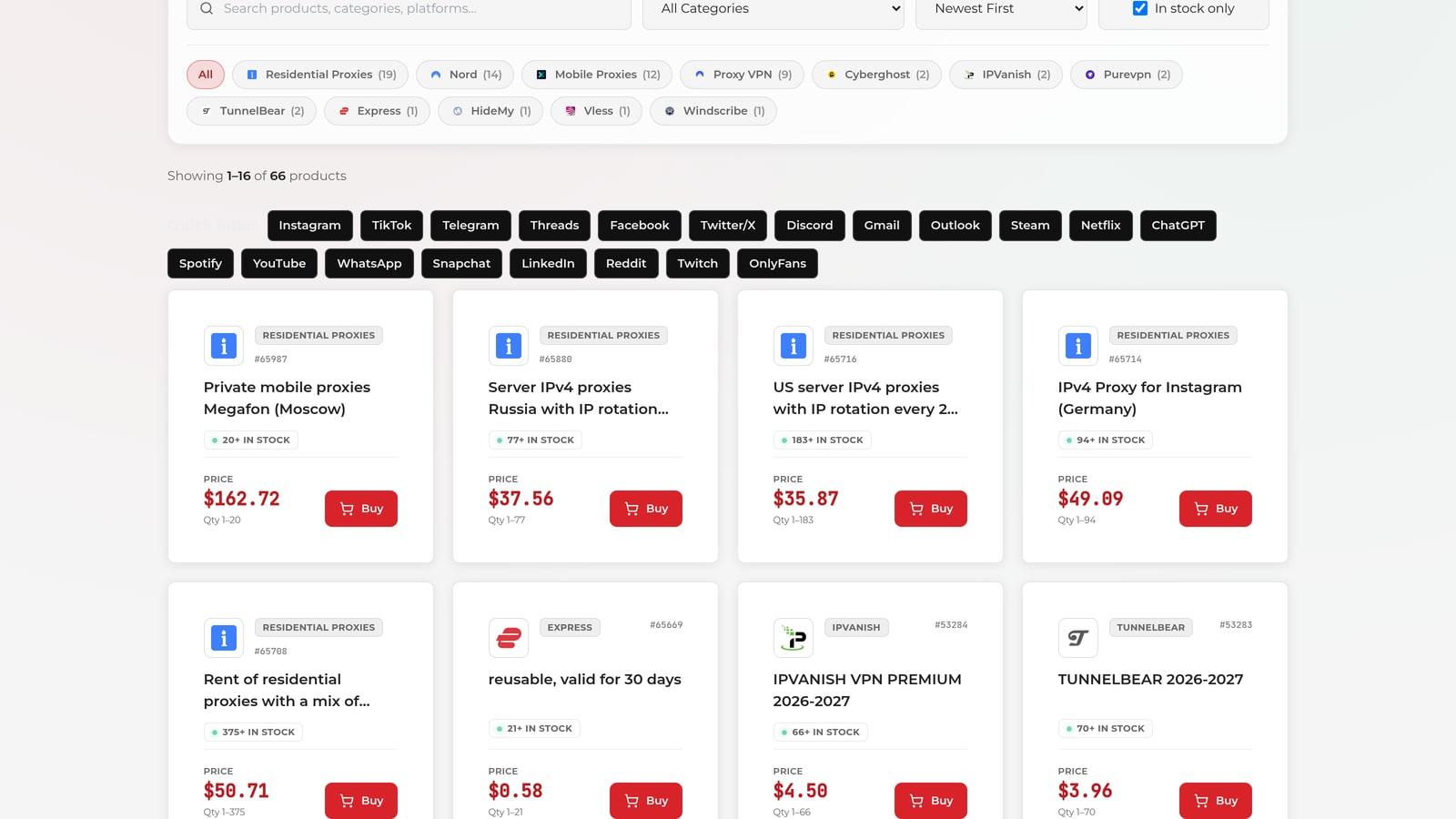
*Proxy listings sit in their own marketplace section, filtered and sorted the same way as everything else.*
- Datacentre — cheapest, fastest, easiest to identify as non-residential. Fine for lower-risk work.
- Residential — routed through real ISP connections, much harder to distinguish, more expensive. Worth it for messaging work where accounts are valuable.
- Mobile — carrier IPs, the highest trust and the highest cost, usually shared among many users.
Match spend to account value. Expensive proxies protecting throwaway accounts is wasted money; cheap proxies protecting aged, warmed accounts is false economy.
Setting Up
Every Telegram tool we ship supports proxy assignment per account. In TelePilot Pro it is in the account manager — assign individually or in batches. Telegram Report PRO supports SOCKS5 and HTTP per account.
Practical sequence:
- Buy proxies at the same time as accounts, matched by region.
- Assign one proxy per account before the account's first login.
- Verify each account connects through its assigned proxy.
- Keep the mapping stable — record it, so a re-import does not shuffle everything.
Step 2 matters more than it looks. An account that first authenticates from your home IP has already associated itself with it.
What Proxies Will Not Fix
Being clear about the limit: a proxy changes where traffic appears to come from. It does not change behaviour.
A fresh account sending 300 identical messages in an hour gets banned on a residential proxy exactly as it would without one. Proxies remove one correlation signal. Volume, message variation, account age and warm-up do the rest — see Telegram automation mistakes that get you banned.
Related
- Buy accounts and proxies in the marketplace
- Account warm-up guide
- Telegram Bulk Sender PRO for proxied multi-account outreach
Ready to automate your Telegram marketing?
Try TelePilot Pro — 40+ tools in one powerful desktop application.
Get Started Today